
Perry County Warrant Searches
The sheriff's public Perry County warrant browser shows what the open side of the system offers. It is built for browsing. You move through surname initials and page controls, one letter at a time. There is no box for a first name, date of birth, warrant number, or court, so typing a full name will not return one definitive result. Note the date and the letters you covered. If a row looks like a match, call the Perry County Sheriff's Office and the clerk of the issuing court before any travel or payment. A blank screen is not clearance. Ask both offices to confirm the matter rather than treating the display as proof either way.
- Open the sheriff portal and select Warrants.
- Choose the surname initial that fits the court paper.
- Use page controls and note what you checked.
- Contact the clerk for the court record and the sheriff for execution logistics.
Perry County Warrant Browser Uses Letters
The Perry County sheriff portal opens on a general home screen with a Warrants route and separate jail tools. That home screen is navigation, not a result. Reach it through the county sheriff's official site. Then pick the warrant view, not the booking search. The route matters, because the jail tools answer custody questions while the warrant list shows court papers. The entry screen says nothing about timing. The portal does not state how quickly a warrant is entered or removed, and no public synchronization notice appears. The iSOMS portal landing page is the way into the system, a local tool rather than a statewide lookup.
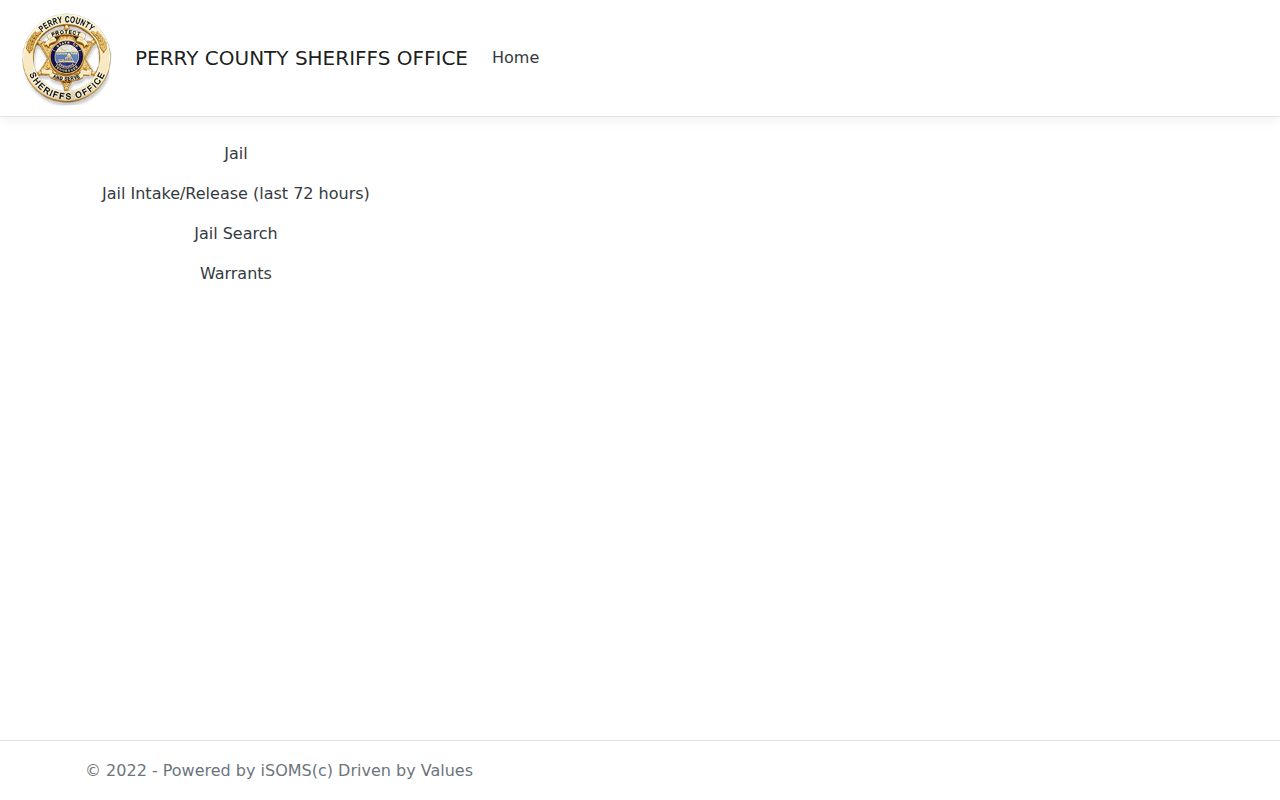
Use the public warrant route only after confirming the address belongs to the official Perry County sheriff system.
What a Warrant Search Asks For
Perry County's public warrant page has no personal search form. There is nowhere to submit a name and birth date. The visible controls are browse aids, so a searcher moves through the page itself instead of querying a database.
| Visible item | What it does |
|---|---|
| A to Z initials | Opens a surname-letter browse view. |
| Page navigation | Moves across the listed results for that view. |
| First name | No public filter was visible in the inspected interface. |
| Date of birth | No public filter was visible in the inspected interface. |
| Warrant number or court | No public filter was visible in the inspected interface. |
Have your own case details ready for the clerk. Never post a birth date or a case identifier in a public comment. Do not copy a live warrant row. Another person's entry does not belong in a guide or a message board.
Perry County Warrant Browser Limits
A letter filter narrows the list. It is not an exact-name match. The surname-letter view demonstrates the filter the public interface gives you. Result pages can change. The sheriff does not state that every outstanding warrant appears in the Perry County browser, so an absent entry proves nothing. Live rows expose names, photos, dates, charges, and bond details. That is personal data. It has no place in a page like this. If a spelling differs or an entry is missing, call the clerk who holds the case before assuming anything.
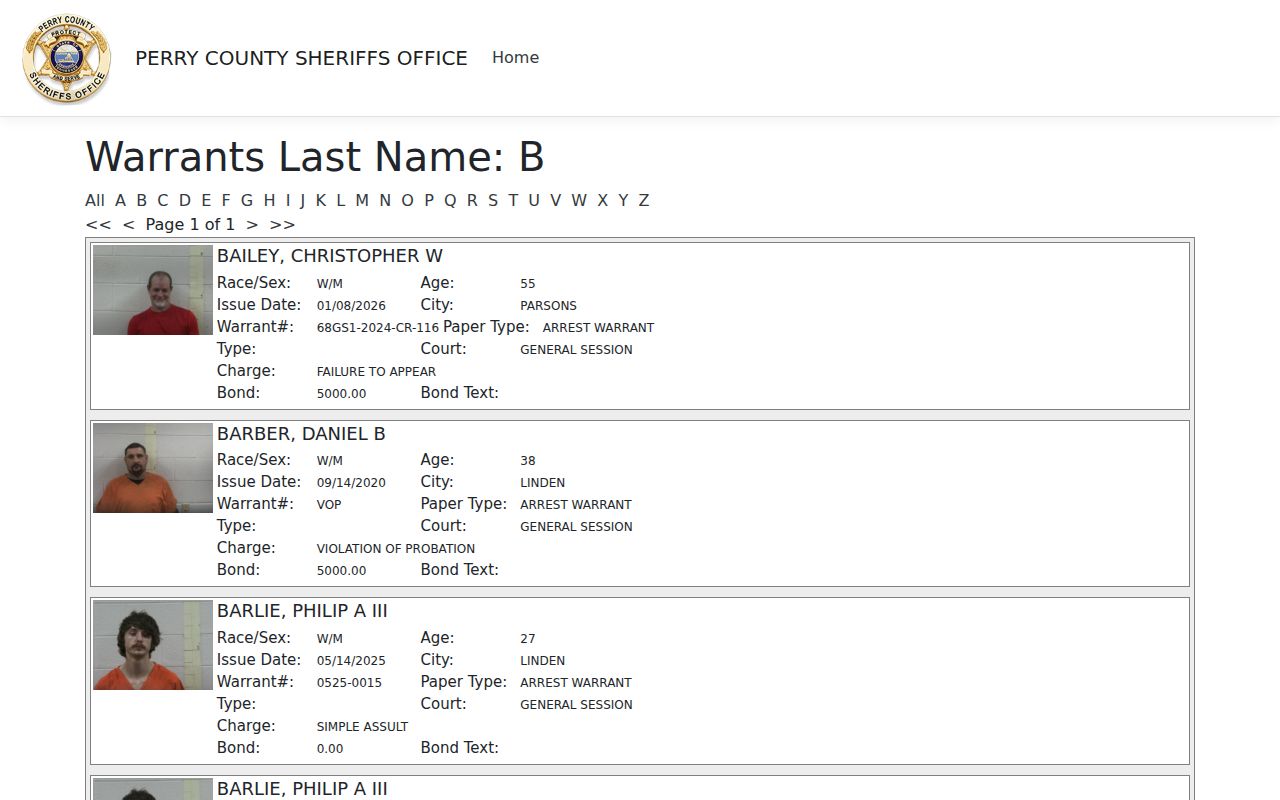
The letter view confirms browsing behavior, not completeness or current warrant status.
Perry County Warrant Search Results
A result row can carry an issue date, city, warrant number, paper type, court, charge text, bond amount, and bond text. Read the court first. Then check the paper type. Those fields tell you where the case lives and what kind of order it is. Rows may also expose personal fields that should not be repeated publicly, so confirm current details with the Perry County clerk directly.
| Paper type | Names the process, which may be an arrest warrant, capias, summons, or another paper. |
|---|---|
| Court | Routes a question to General Sessions, Circuit, or a protected Juvenile matter. |
| Issue date | Shows issuance timing, not proof that a record is still active. |
| Charge | May be abbreviated portal text, not a final case outcome. |
| Bond fields | Amount and text need confirmation with the sheriff and court. |
The companion Perry County active warrant page explains why a public list and a curated public-safety program are different things. Neither is a certified docket.
Perry County Warrant Record Fields
A portal row and a court docket are not the same record. A docket may list a case number, count, Tennessee Code citation, offense class, filing or hearing date, citation, and counsel. A sheriff browser may drop those fields. The county court site offers one more option. Its Chancery information page links out to an online court-record system, and the instructions there tell you to select Perry County before searching. That choice still is not a warrant check. Ask the clerk which source applies.
- Issue date
- When a process was issued.
- Paper type
- The instrument label to confirm with the court.
- Bond text
- Display language such as ROR, hold, or cash-only that may need current explanation.
- Case number
- A docket identifier useful when speaking with the clerk.
Perry County Warrants: Who Holds What
Each office holds a different piece. The Circuit and General Sessions Clerk keeps court records and schedules, while the Perry County Sheriff's Office handles law-enforcement execution and custody logistics. Chancery and Probate go to the Clerk and Master. Juvenile records need an authorized route. A public warrant lookup is never that route, so do not look for one. For clerk contact, use the official Perry court-administration page, and for sheriff routing, use the official Perry County Sheriff site. No dedicated warrant line or surrender schedule exists. The sheriff's official Perry County warrant browser does offer surname-letter browsing and page controls.
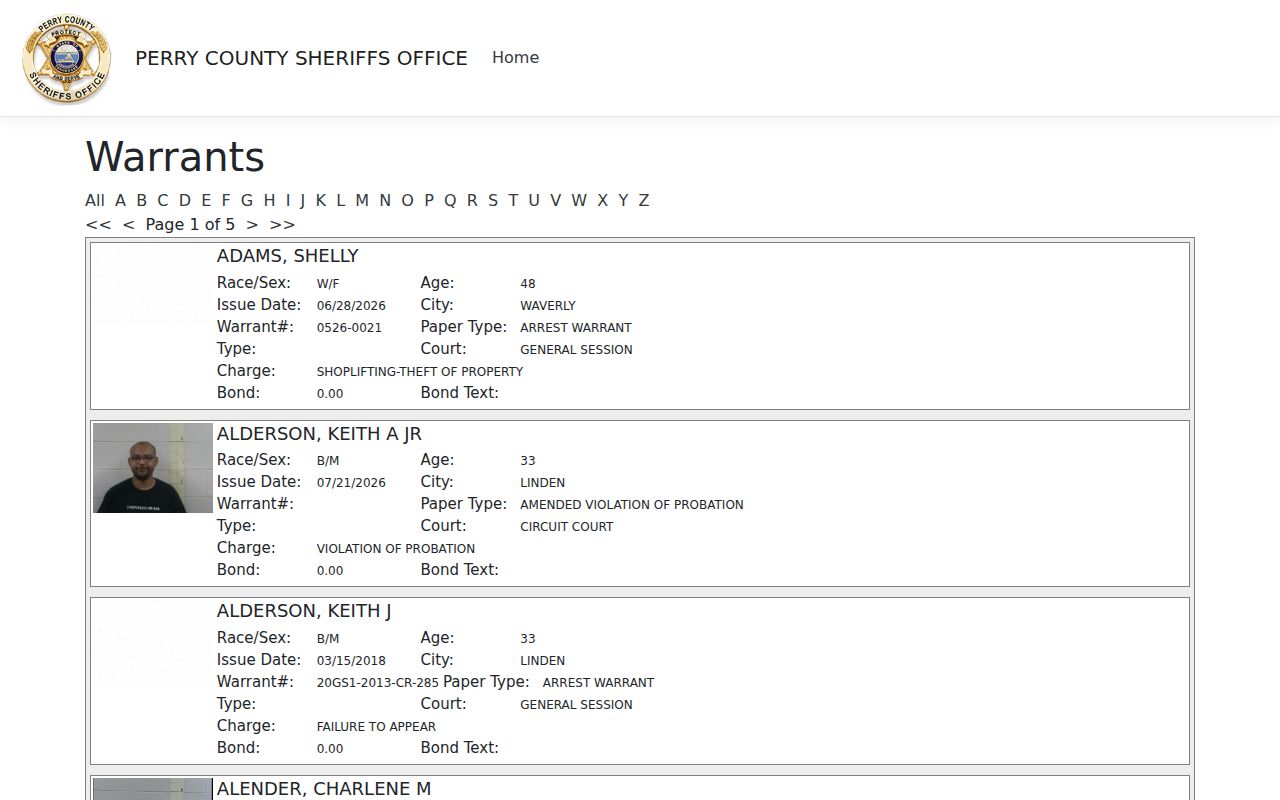
The Perry County view offers alphabet and page controls. That is the whole public toolkit. The state court-clerk finder explains why the county where the matter began, not a statewide desk, is the right place to start.
See the Tennessee court-clerk finder.Perry County Jail and Warrant Records Differ
The jail search answers a custody question. Its form asks for a first name, a last name, and a released control. The warrant page works differently. It uses surname initials and pages, so the two tools are not interchangeable. One source covers custody, and the other covers court process. The Perry County jail search displays those separate fields. A booking result does not prove a warrant exists, and an empty jail result does not clear a court paper. Ask the clerk about the docket. Ask the Perry County sheriff about current custody or execution details.
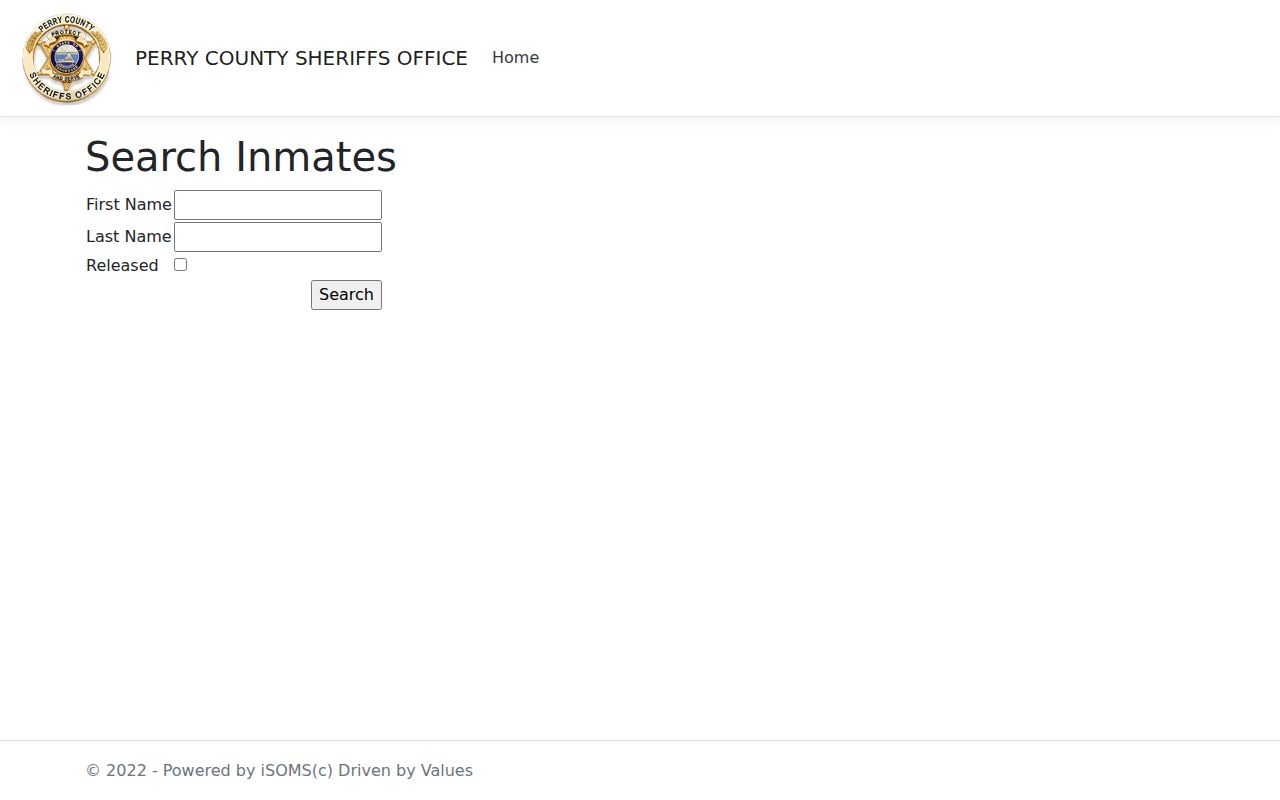
The Perry County jail booking screen answers one question only: who is in custody right now. It is not a warrant list.
Perry County Warrant Access Limits
Access to Perry County warrant records has real limits. Some material is sealed. Some is withheld, newly issued, recalled, or tied to a juvenile case, and Tennessee Code section 37-1-153 restricts juvenile court records. Public access never means any person may view or copy every field. The Tennessee Public Records Act FAQ spells out these request limits. When your need is a policy or a field definition, ask for that rather than a bulk export of personal warrant rows.
For a juvenile matter, use the authorized clerk or attorney route. Do not publish a minor's name, photograph, charge, or record.
Perry County Warrant Portal Requests
A narrow public-record request works best for Perry County. Ask who keeps the warrant-browser policy. Ask which fields are public, how often a display refreshes, and how to fix a stale entry. The Comptroller's records-contact guidance says an agency must identify its records-request process. Keep it to procedures, field definitions, retention rules, or aggregate counts without identifiers. Perry County lists no direct warrant unit email and no correction form. For your own case, a call to the clerk and sheriff may beat a records request.
Read Tennessee records-request contact guidance.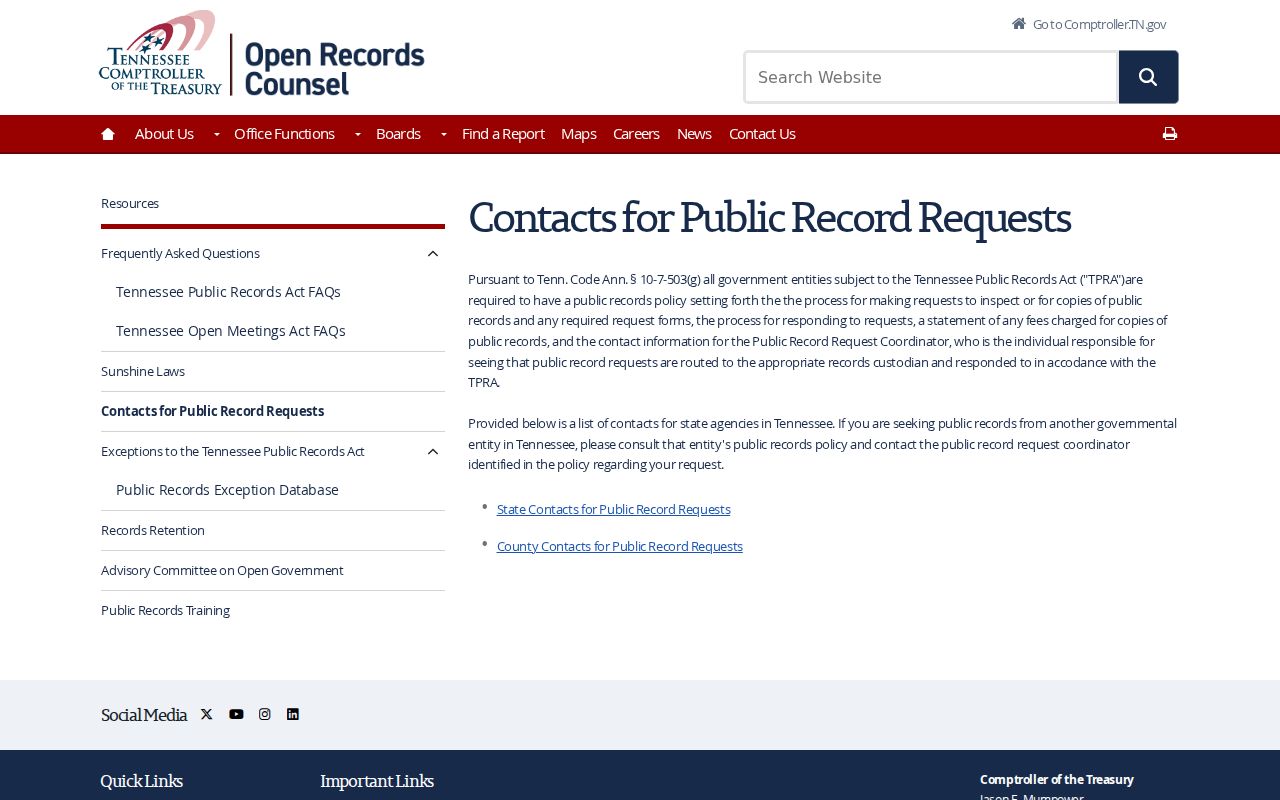
State guidance routes a policy request to the agency holding the Perry County warrant record, without exposing any person's case details.